Create a new user
To create a new user, go to the Users section, and click on
the New user button in the top right corner of the page.
This will open a modal window that let you fill all user informations.
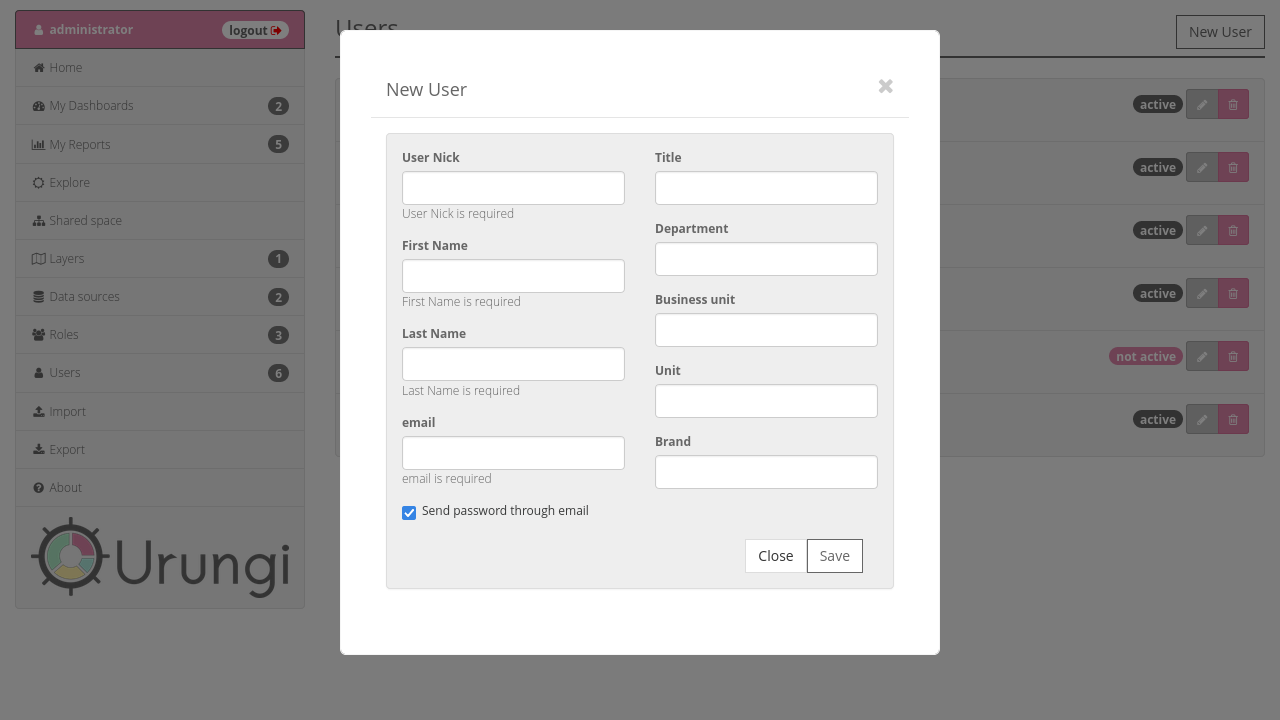
Once you are done, click on the Save button. This will create the user and
close the modal window.