Map
The map report type allows to display GeoJSON objects on a map.
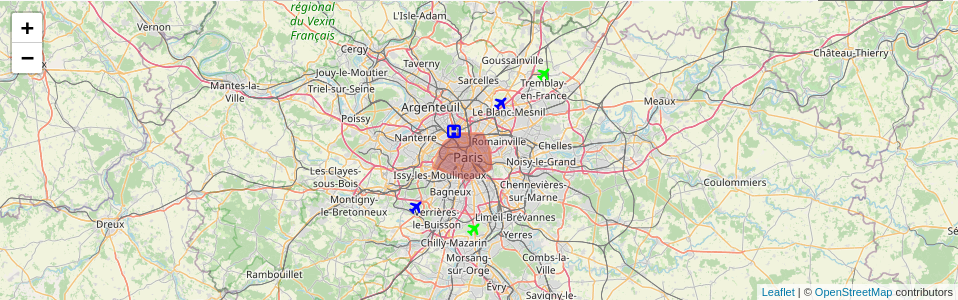
Example of a map report
To use it, select the map marker icon.
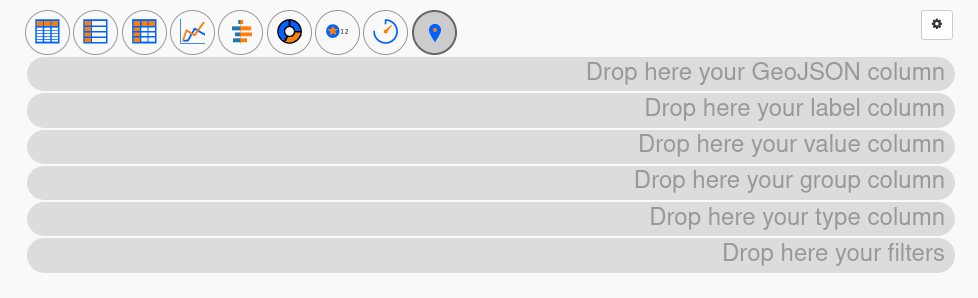
Screenshot of an empty map report
There are six different places where you can put your columns:
- GeoJSON column
This is the most important one. Place the column containing GeoJSON data here.
If your database does not contain GeoJSON data, you can probably convert other formats to GeoJSON using SQL functions. For instance, MySQL has ST_AsGeoJSON (you may need to modify the layer to use those functions).
Note that icons rendering works only for GeoJSON ‘point’ type and maybe for a ‘multipoint’ object (not tested).
- Label column
If you drop a column here, its text content will be shown next to the map marker.
- Value column
If you drop a column here, its numeric content will be used to calculate a color intensity. Low values get low intensity and high values get high intensity.
- Group column
If you drop a column here, its content will be used to group markers together. If two rows have the same value in this column, they belong to the same group. Each group is then assigned a unique color hue (automatically chosen by Urungi) for the map marker.
- Type column
If you drop a column here, its content will be used to assign a type to a row. Each type can then be associated with a specific icon to change the map marker appearance.
- Filters
These are regular filters and work the same as for other report types.
Report settings
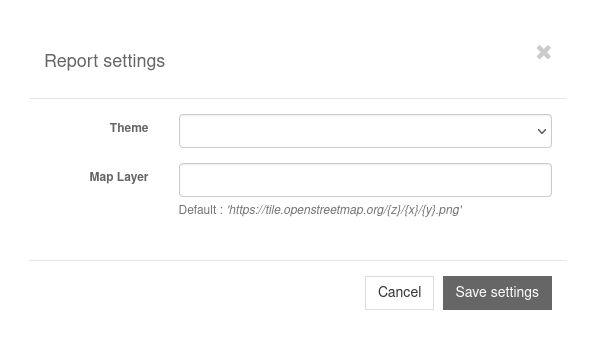
Screenshot of the map report settings modal window
In the report settings you can change the map layer. It’s the map that will be drawn under the GeoJSON objects. You can find different map layers on the OpenStreetMap Wiki.
Configure icons
If you use a type column, you can associate an icon with each type. To do that, click on the gear wheel icon next to the type column.
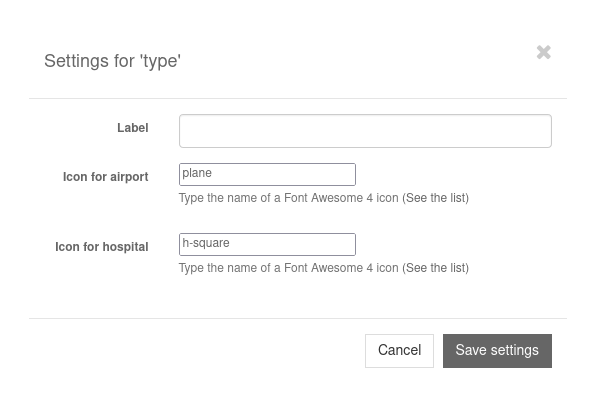
Screenshot of the map type column settings modal window
Each distinct value contained in the type column will be displayed in the form. Associate an icon with a type by entering the icon’s name. Only Font Awesome 4 icons are available at the moment.